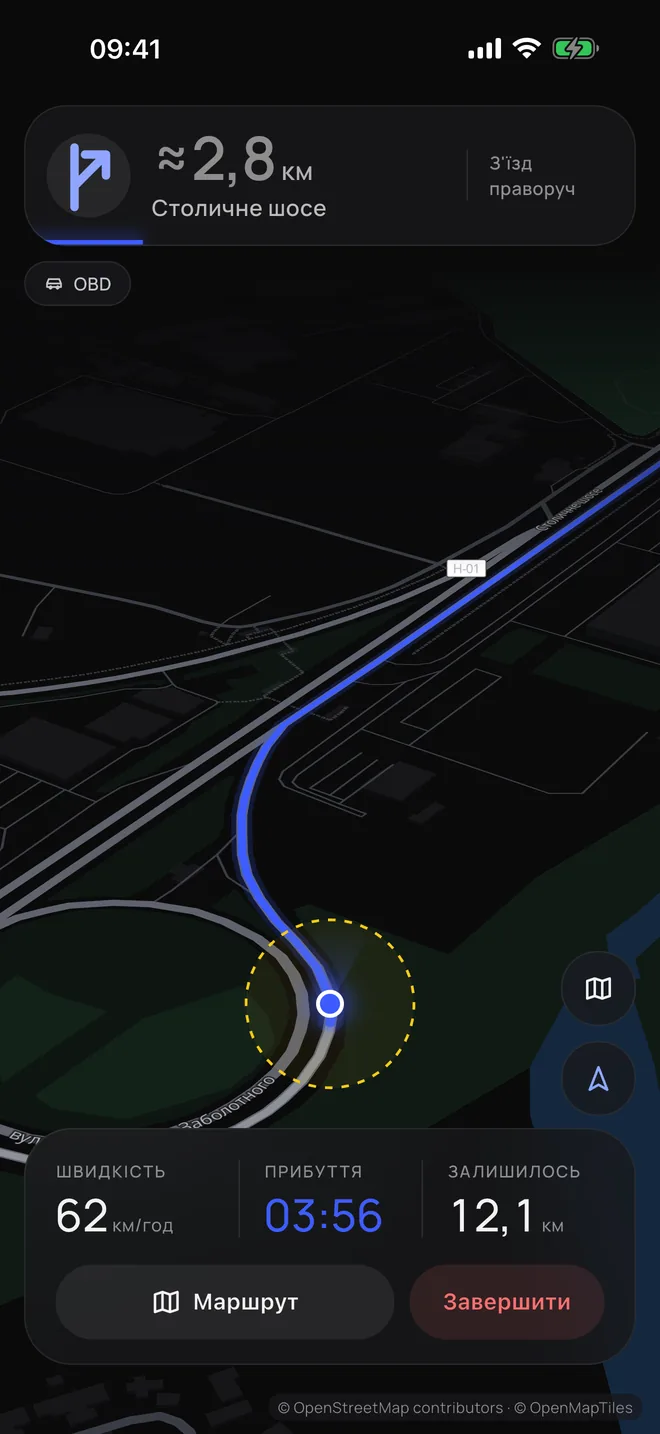
- Helps when GPS lets you down When GPS drops out or shows the wrong place, Kermo keeps working out the car’s position on the route.
- With an adapter — from the car’s data The adapter is a small device that sends the car’s speed. The phone’s sensors detect the turns. From this data Kermo works out where the car is now.
- Without an adapter — with your help While GPS is accurate, Kermo guides by it. When GPS drops out, the app estimates the movement roughly, and you mark when the car is moving or standing still and, if needed, correct its position on the map.
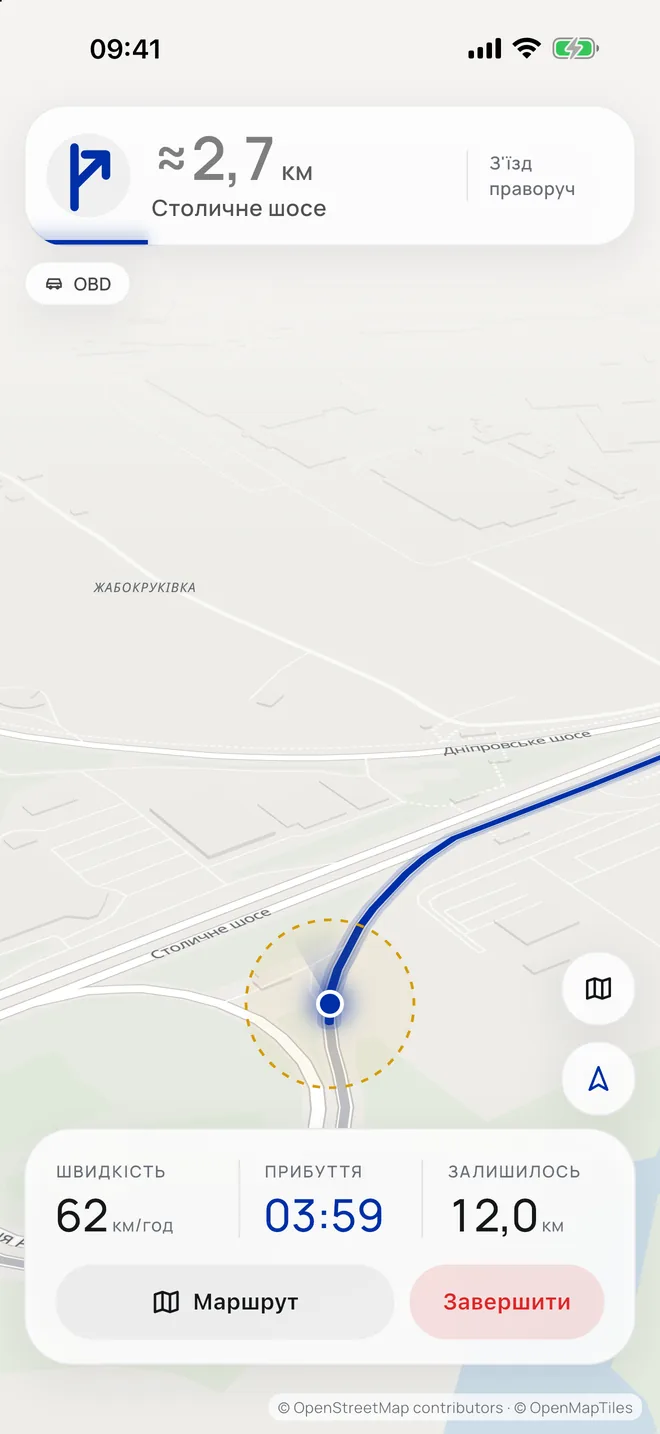
How to use it with an adapter
The adapter sends Kermo the car’s speed, and the phone’s sensors detect the turns. That’s how the app works out the position on the map without GPS.
- Show where the car is Use the crosshair to mark on the map where the car is parked. If GPS shows it correctly, confirm that point. Choose where you’re going and plan a route.
- Connect the adapter Plug a compatible adapter into the car’s port and connect it to the app.
- Follow the route Kermo uses the speed and the turns to keep the car’s position on the map up to date.
What the adapter is
The adapter is a wireless car fault scanner (OBD-II). It’s a small device that plugs into the port under the steering wheel, usually on the left. Almost every car has this port. The adapter sends the app the car’s speed over Bluetooth or Wi‑Fi. Such adapters are sold in every car parts shop. Kermo only reads data from the car and changes nothing in it.
Without an adapter — by GPS or by hand
Without an adapter Kermo doesn’t know the car’s real speed. While GPS is accurate, Kermo guides by it and notices on its own when the car moves off and stops. When GPS drops out or shows the wrong place, Kermo switches to guiding by hand: it moves the marker at the speed limit along the route, and you mark moving and stopping and, if needed, correct it. When GPS is accurate again, Kermo goes back to it on its own.
While the car is moving, manual actions should be done by a passenger. If you’re driving, make changes only after stopping safely.
- Set the place and the route Mark on the map where the car is parked, and choose where you’re going.
- GPS is gone — mark moving and stopping “Go” starts the marker moving on the map. “Stop” stops it. “Faster” and “Slower” change the marker’s speed.
- Correct the car’s position if needed If the marker lags behind your real position or runs ahead of it, move it 100 m forward or back. Or show the right place with the crosshair on the map.
- Turned off the route — choose the road Tap the highlighted road you turned onto. Kermo will keep showing the movement along it.